Questions
The straight answers.
Do I need to be good with computers?
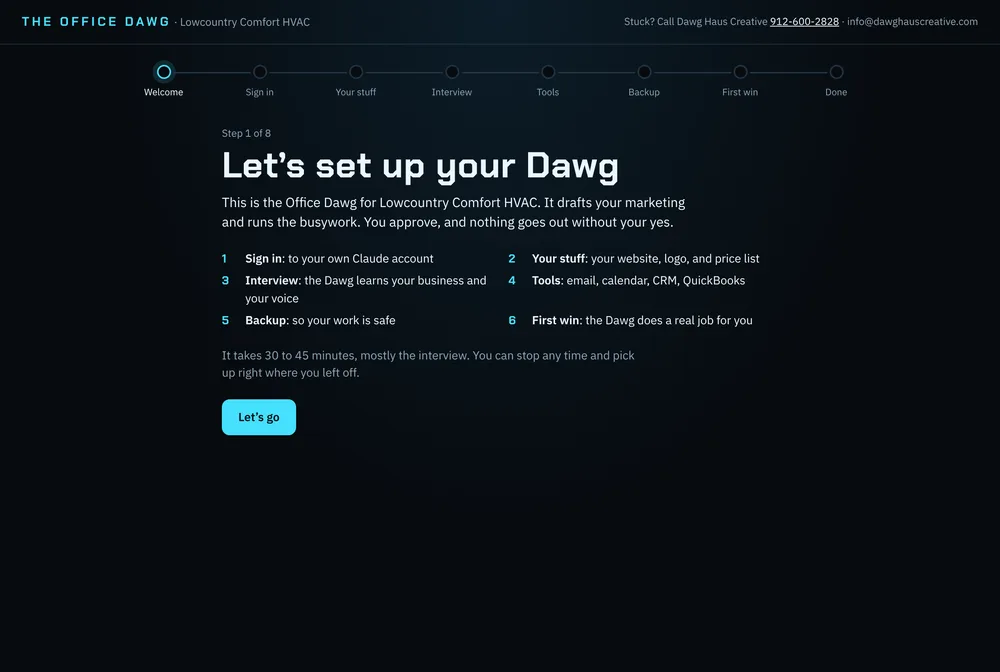
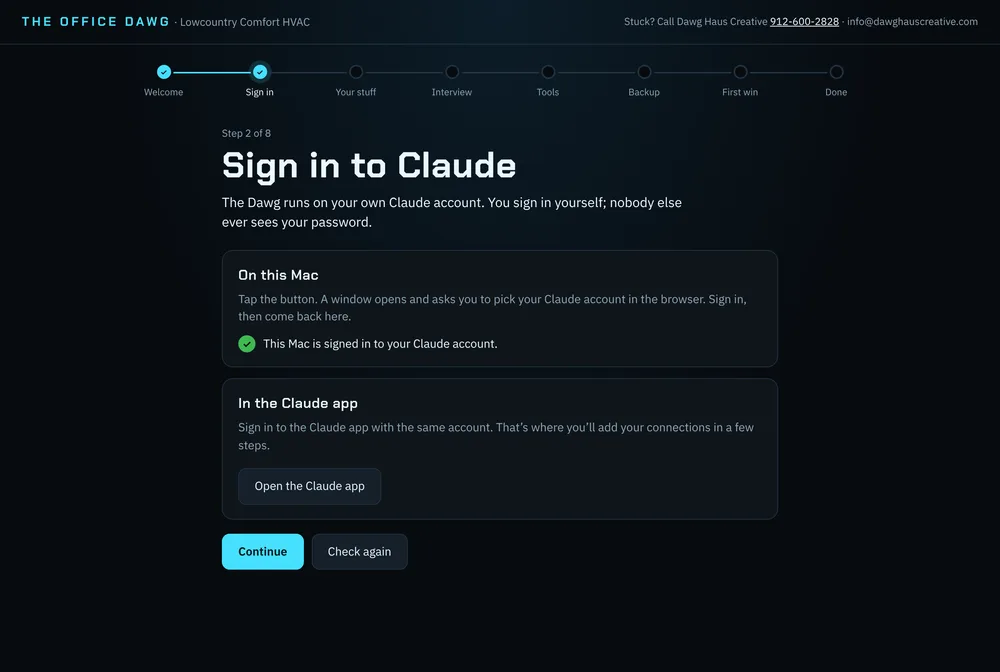
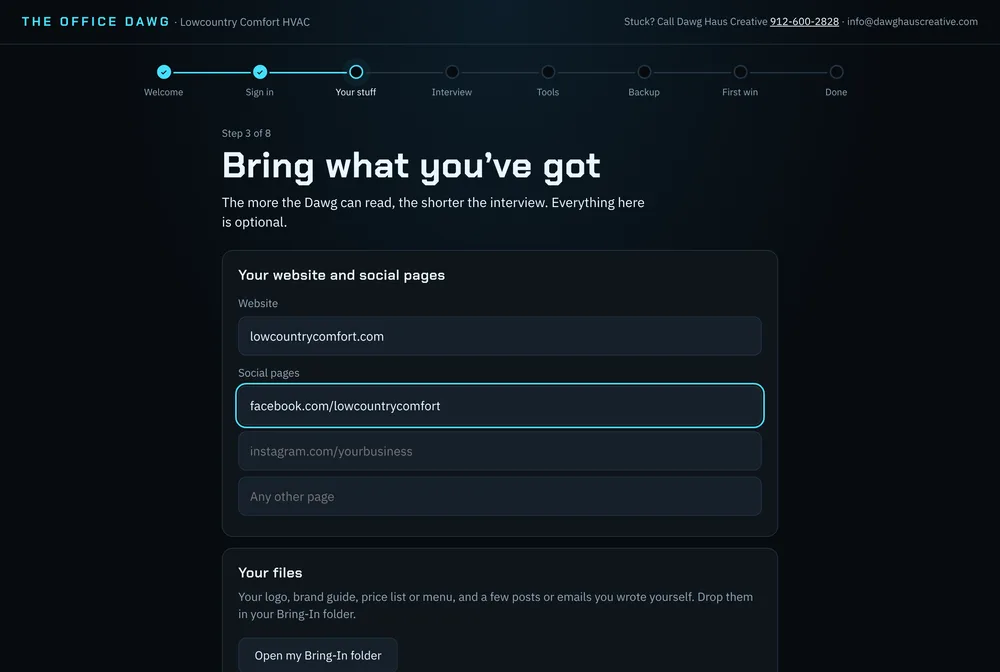
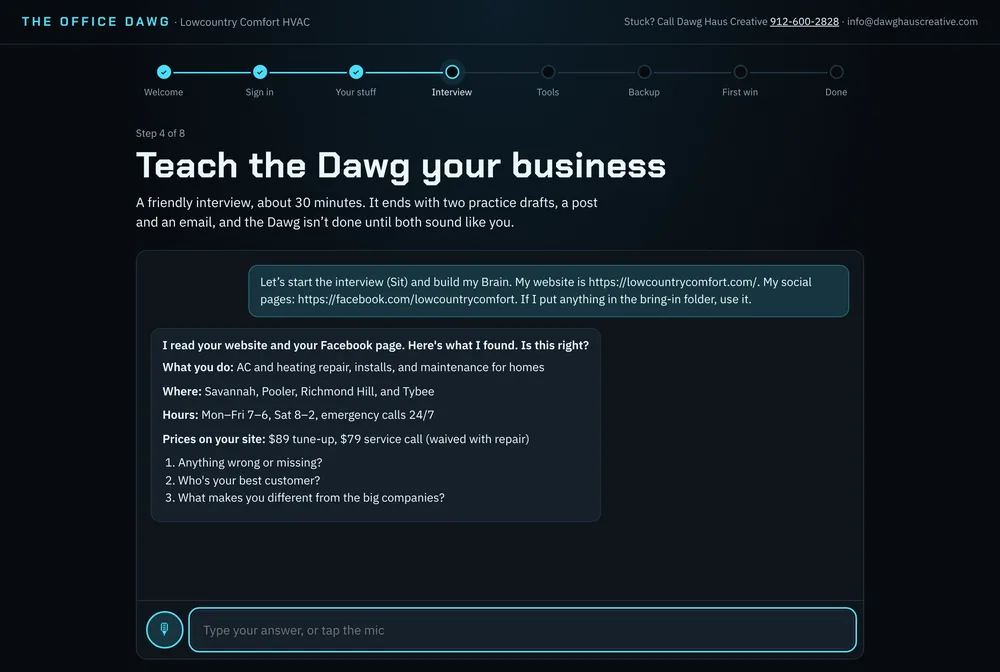
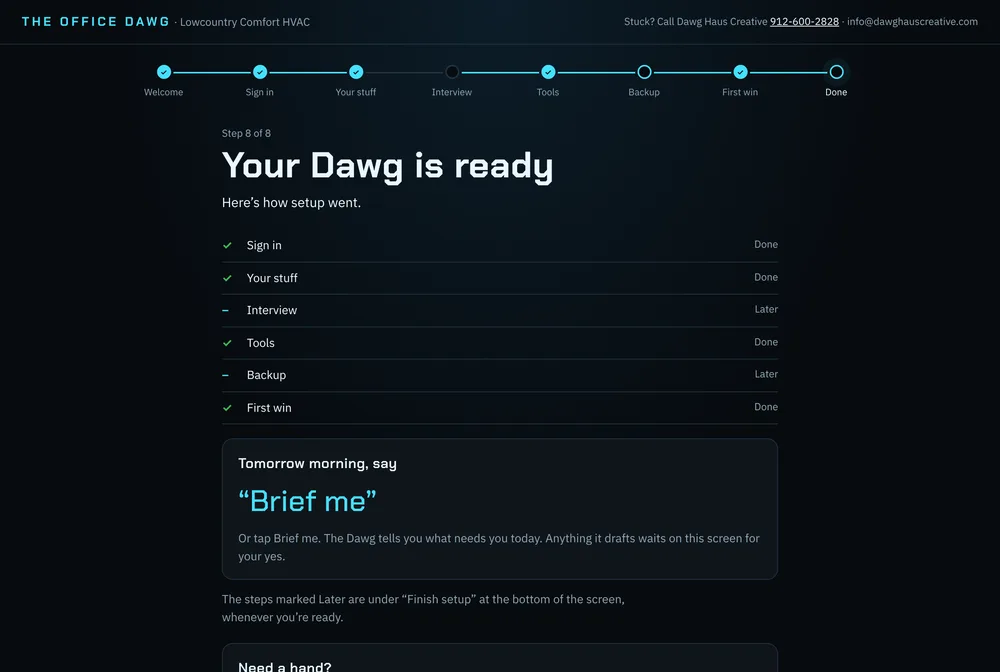
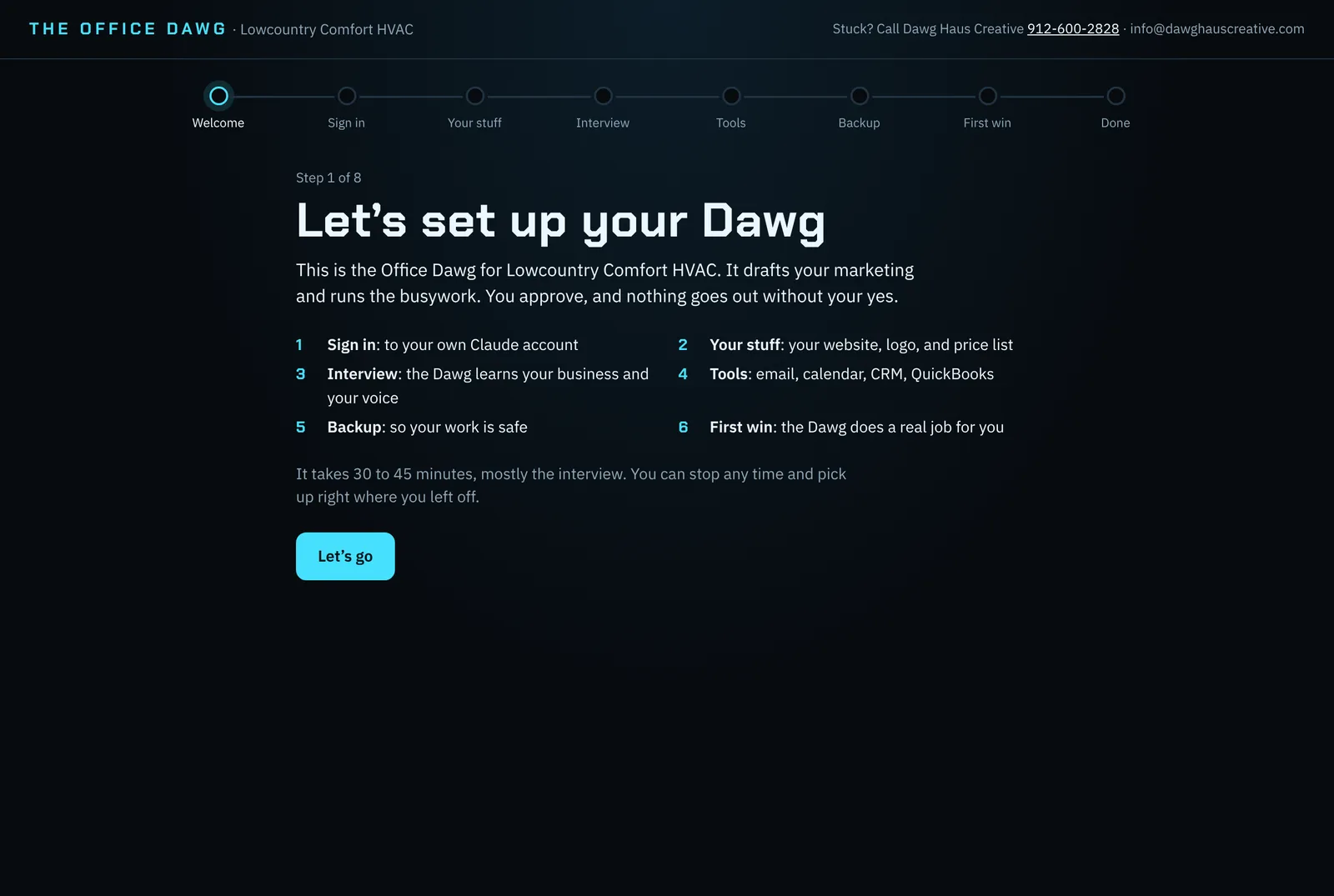
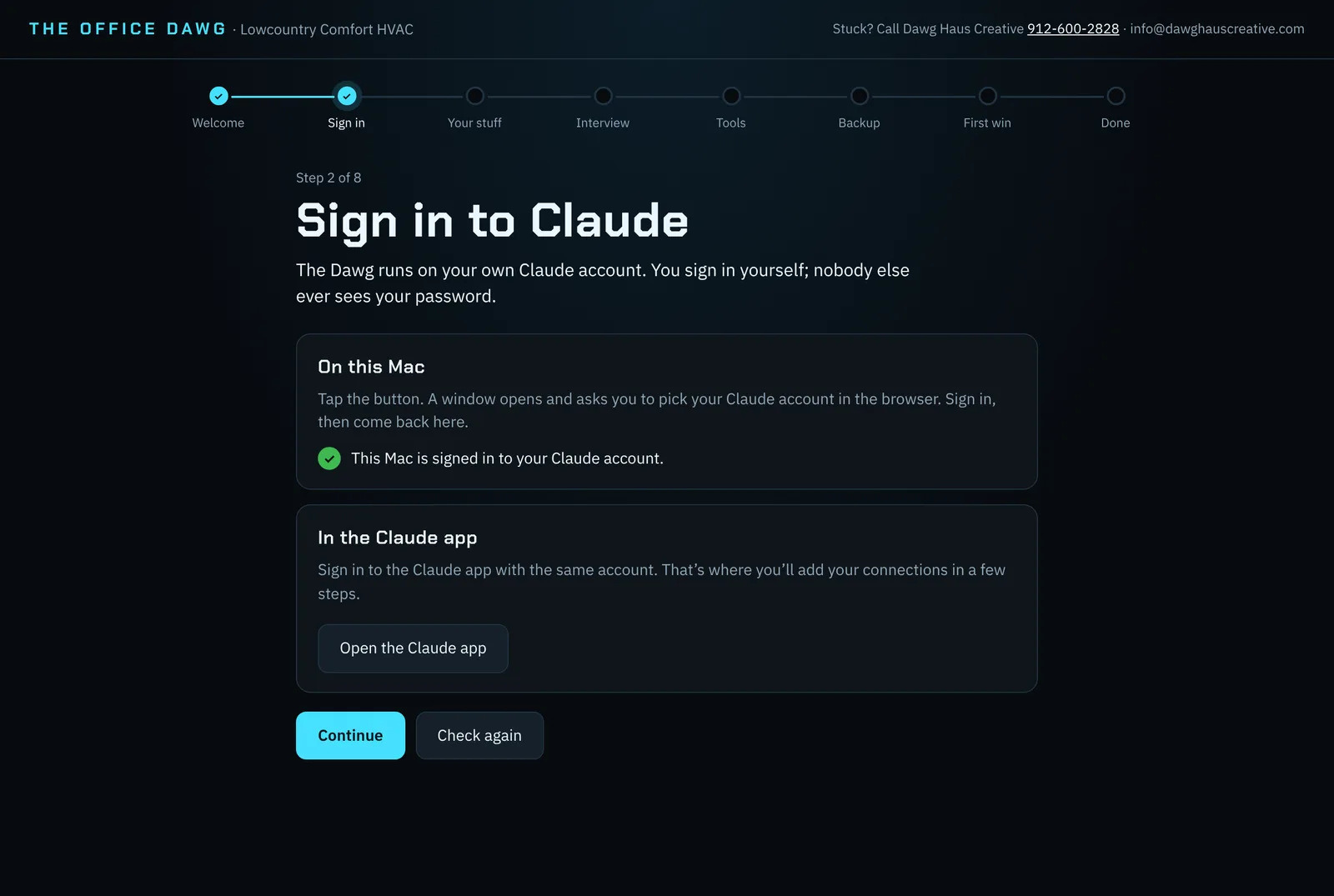
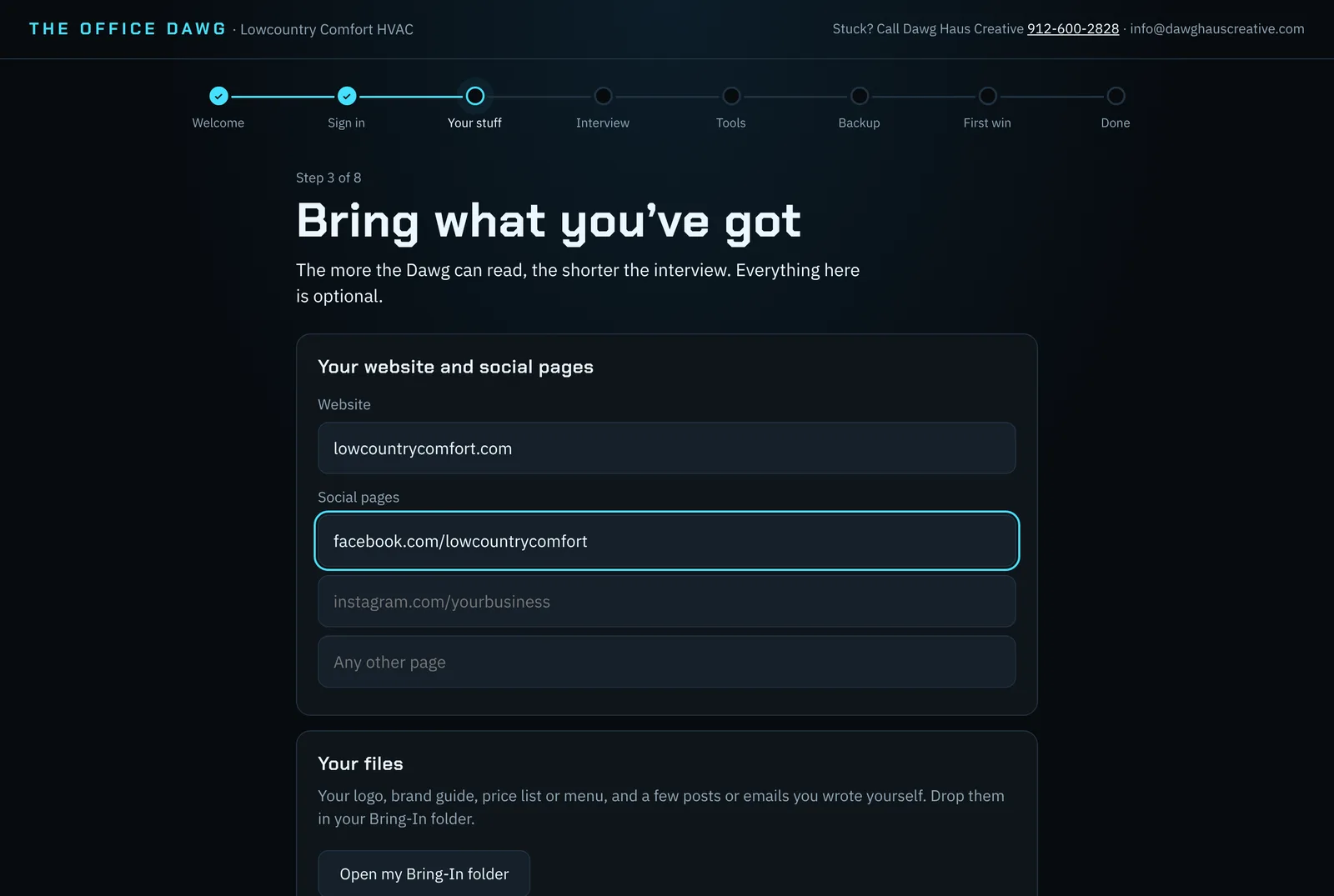
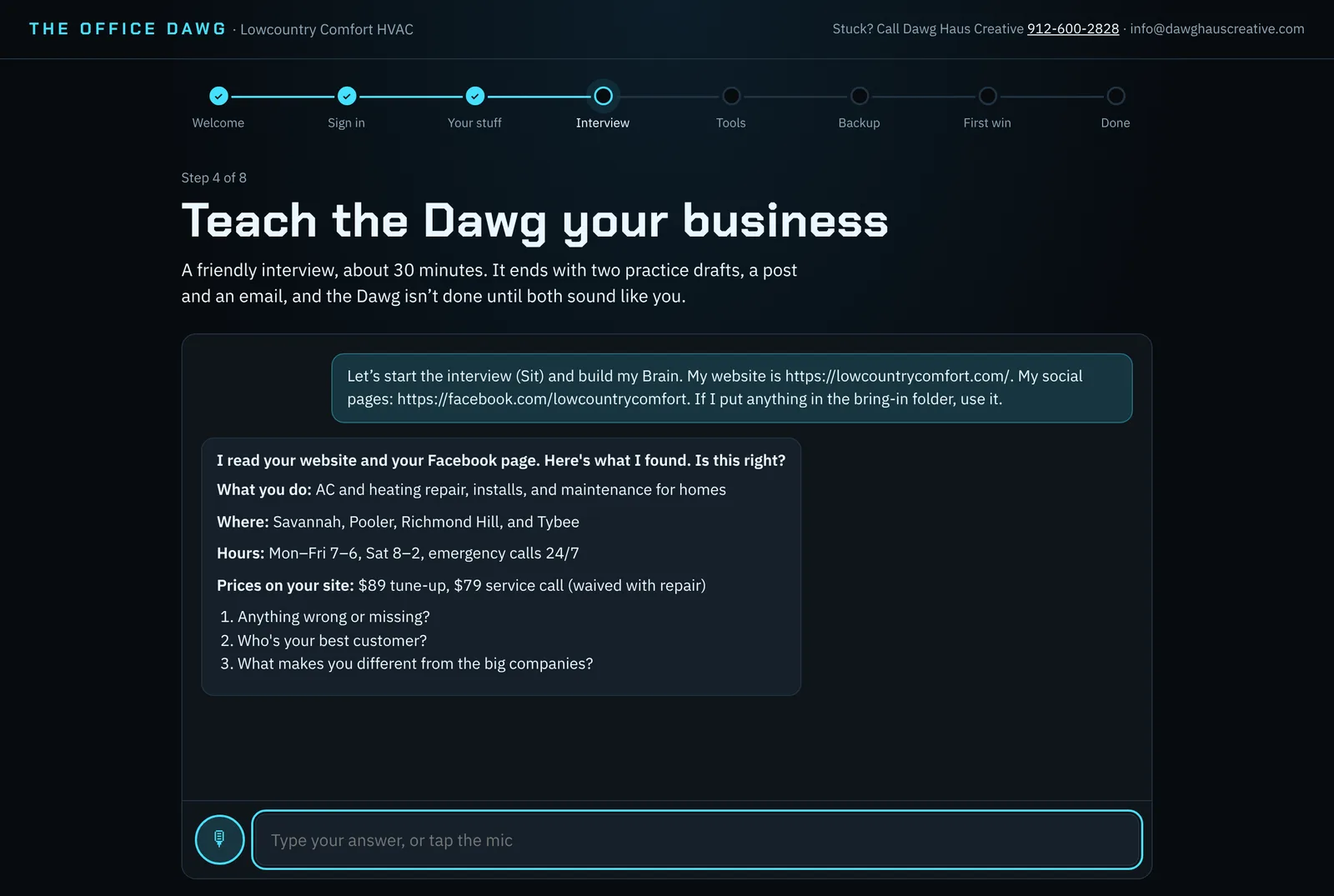
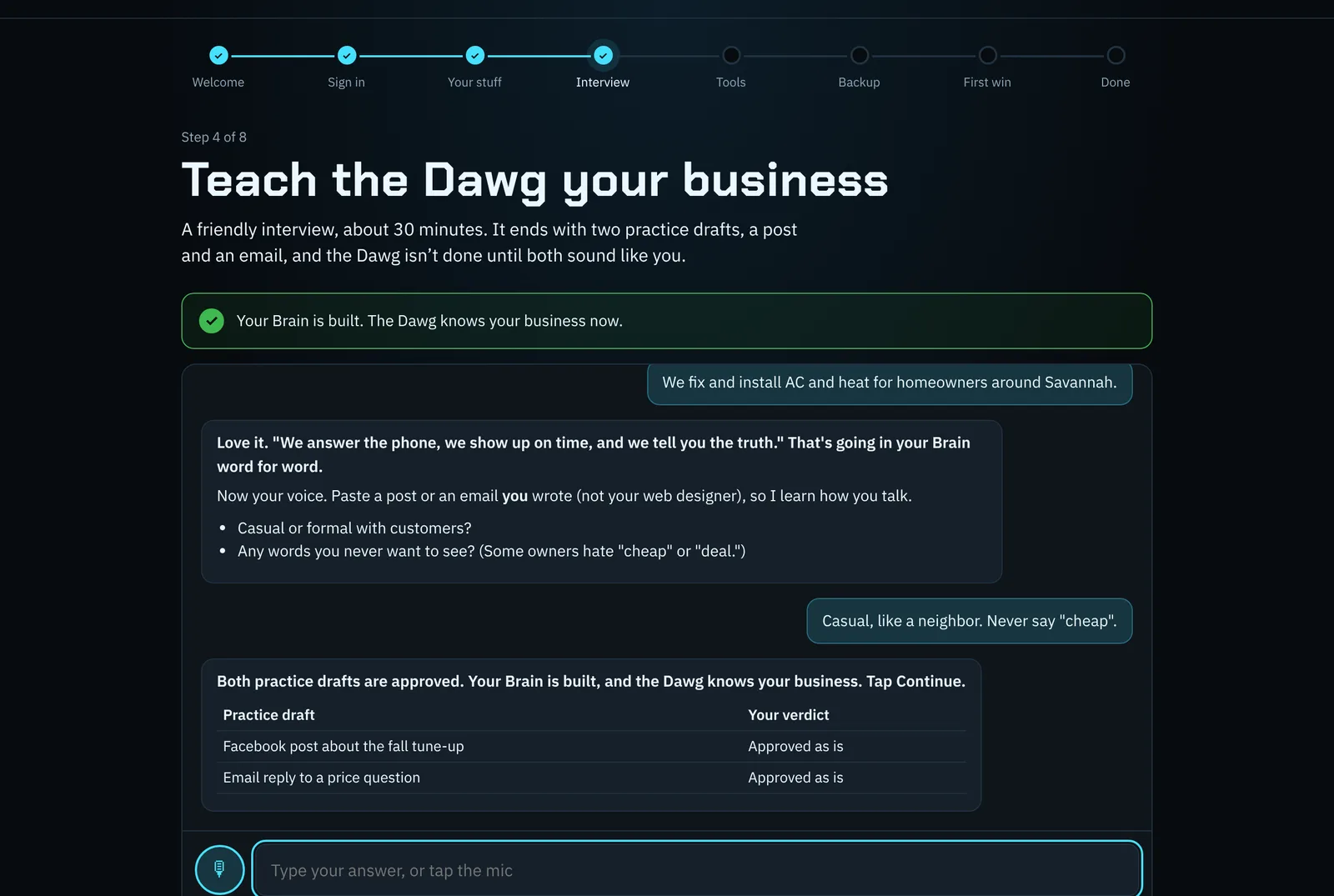
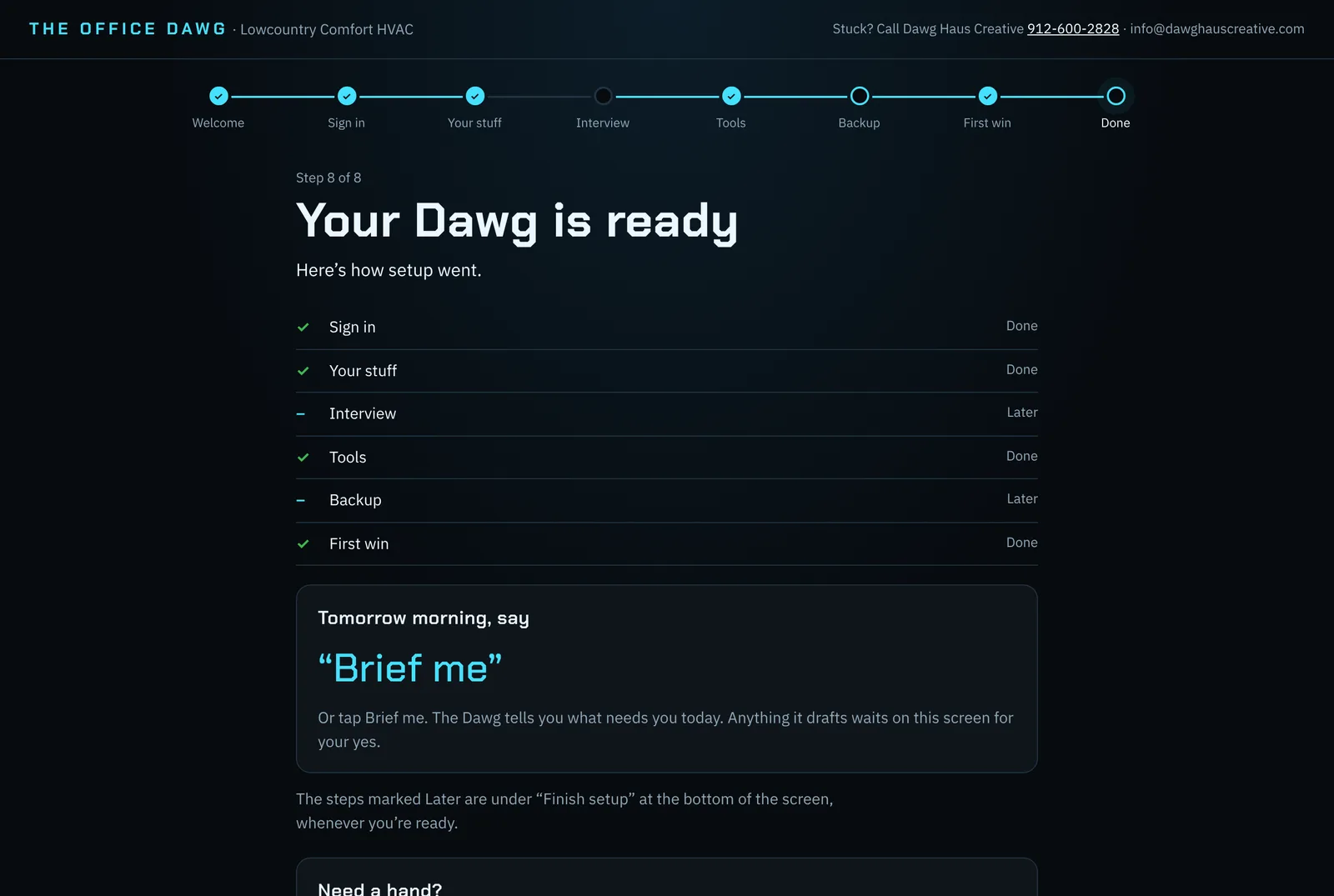
No. You talk to it the way you'd talk to an assistant. The Mac comes with everything installed and a setup wizard that walks you from unboxing to your first real job in 30–45 minutes, and Dawg Haus is a phone call away.
Will it post or send things without me?
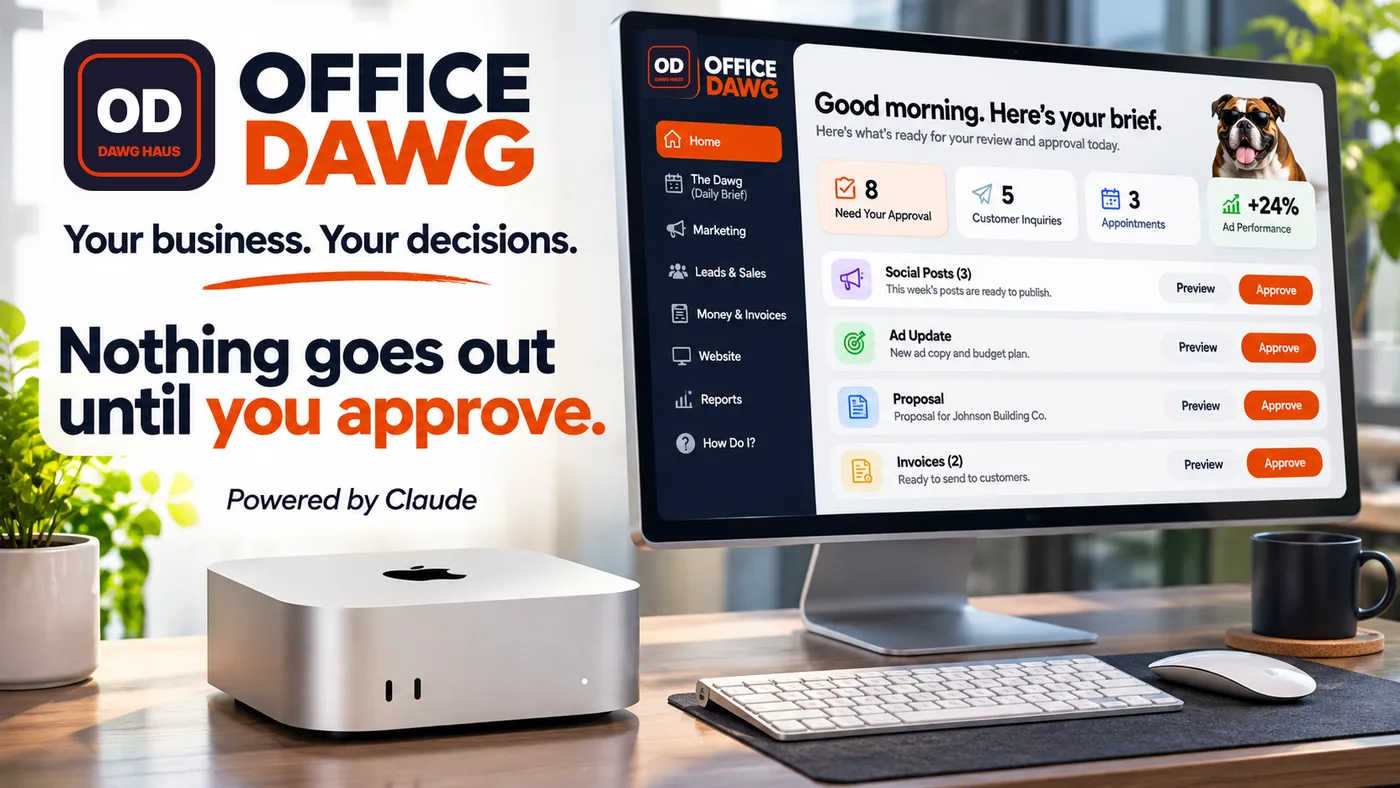
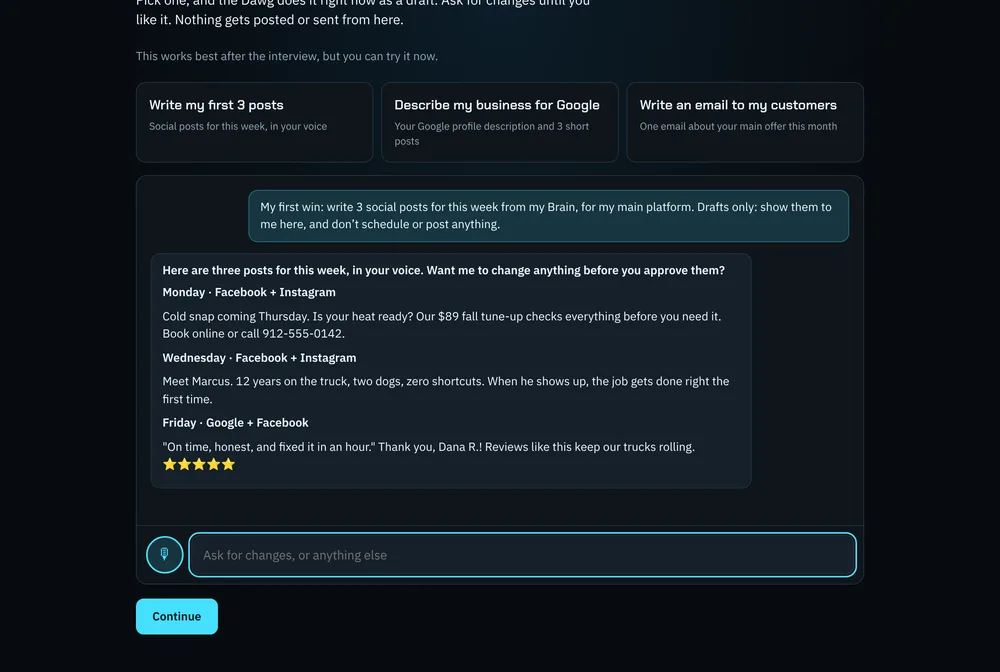
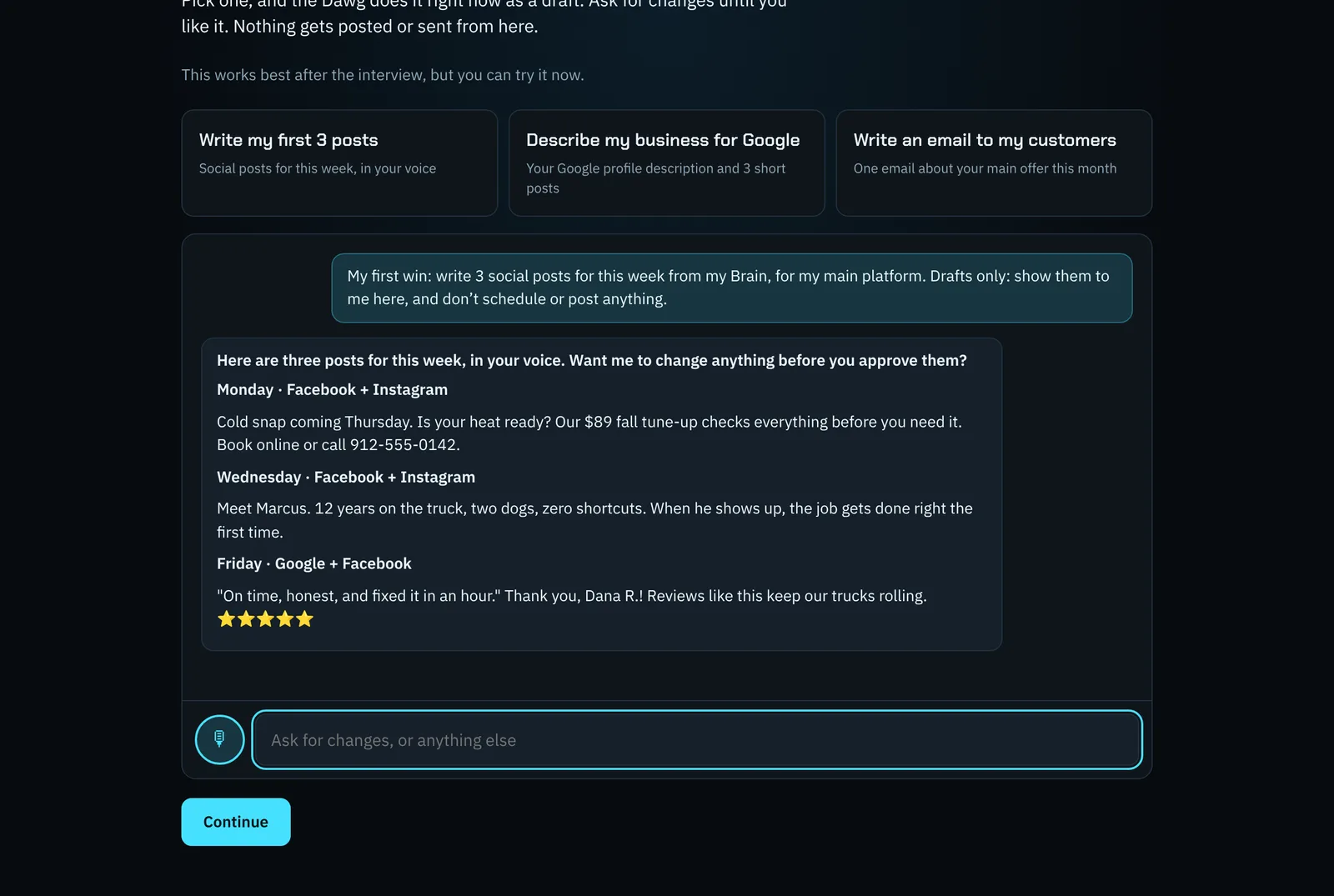
No. Everything is drafted for your approval first. You can also pause everything with one sentence.
What is Dawg HQ?
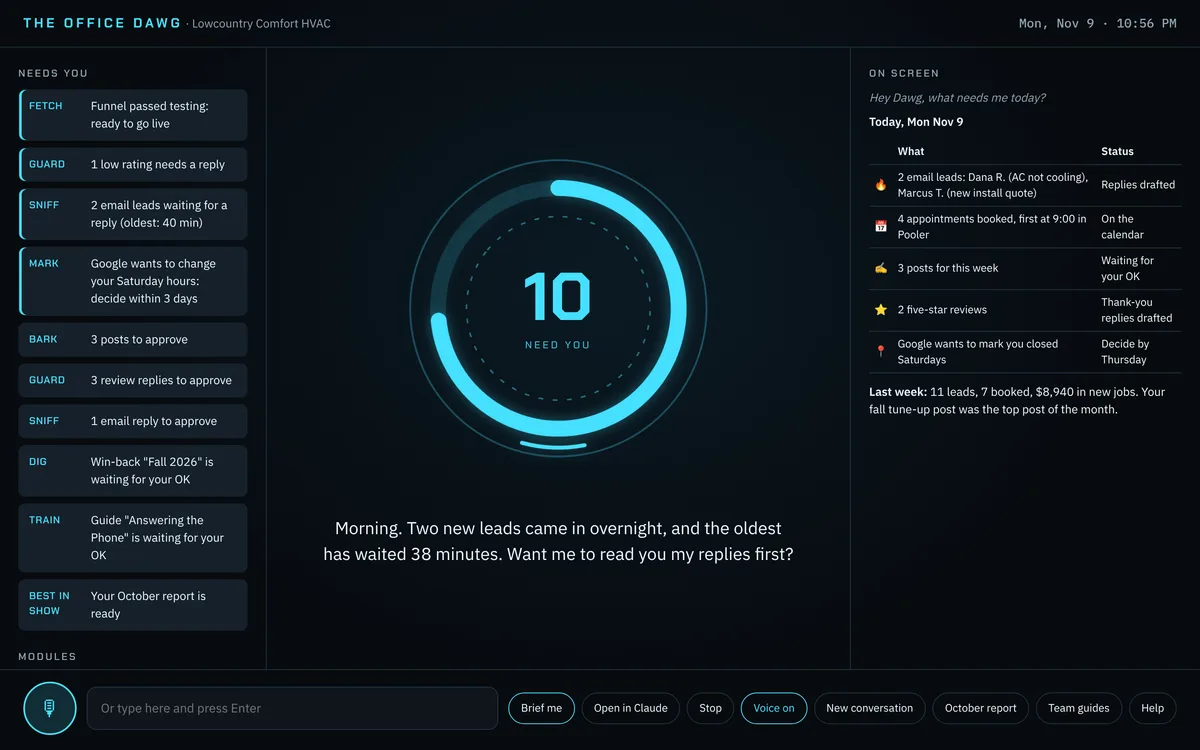
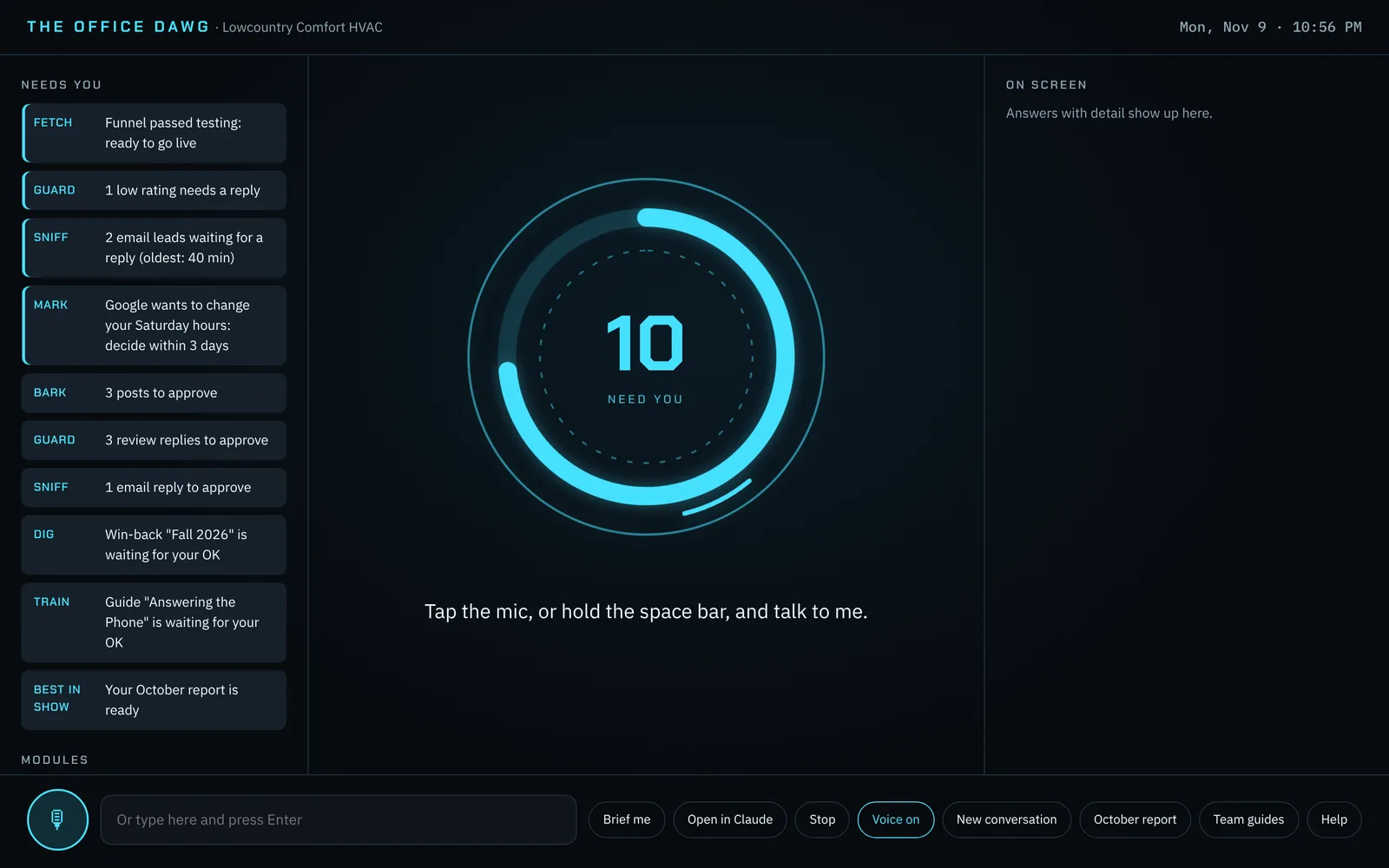
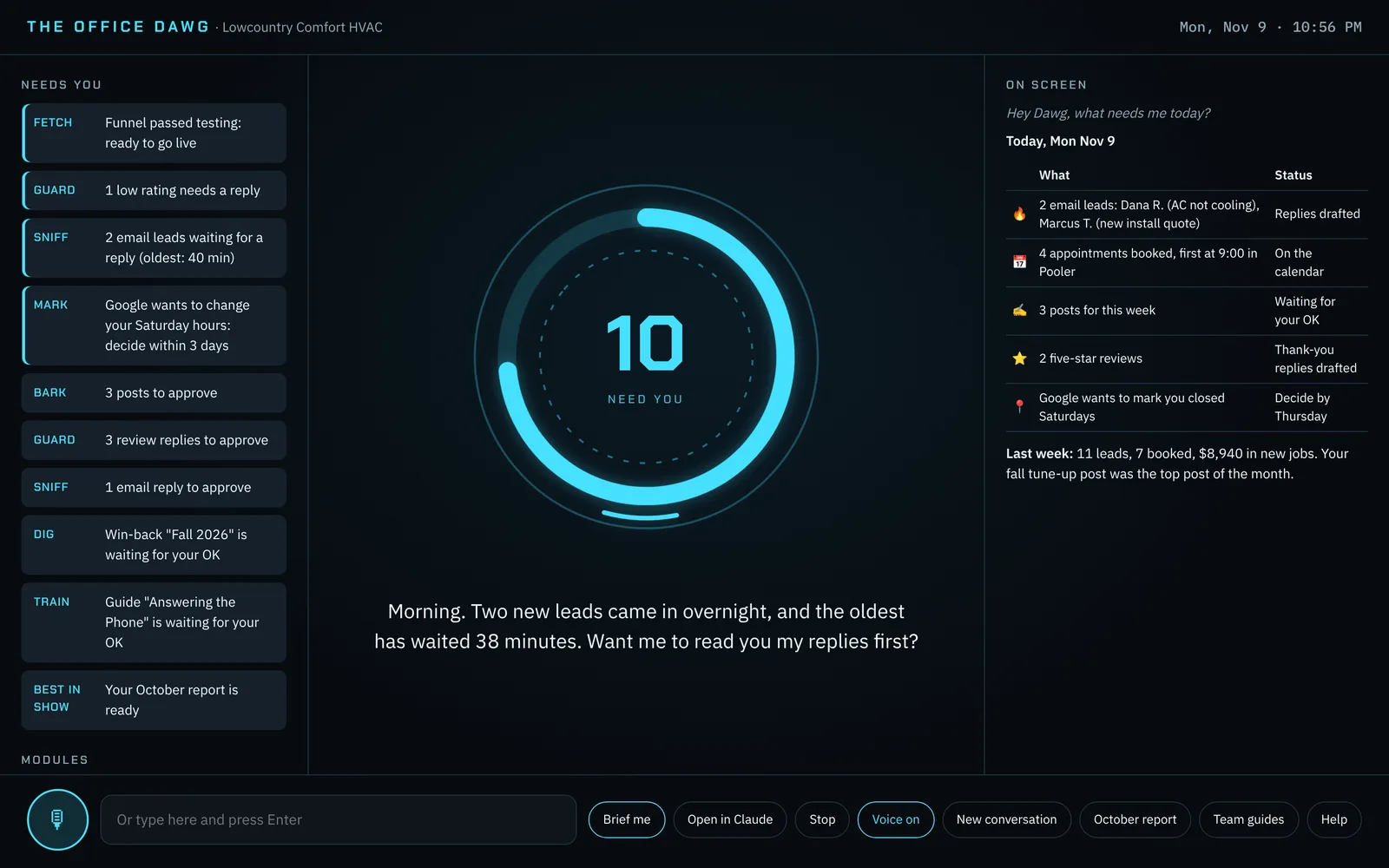
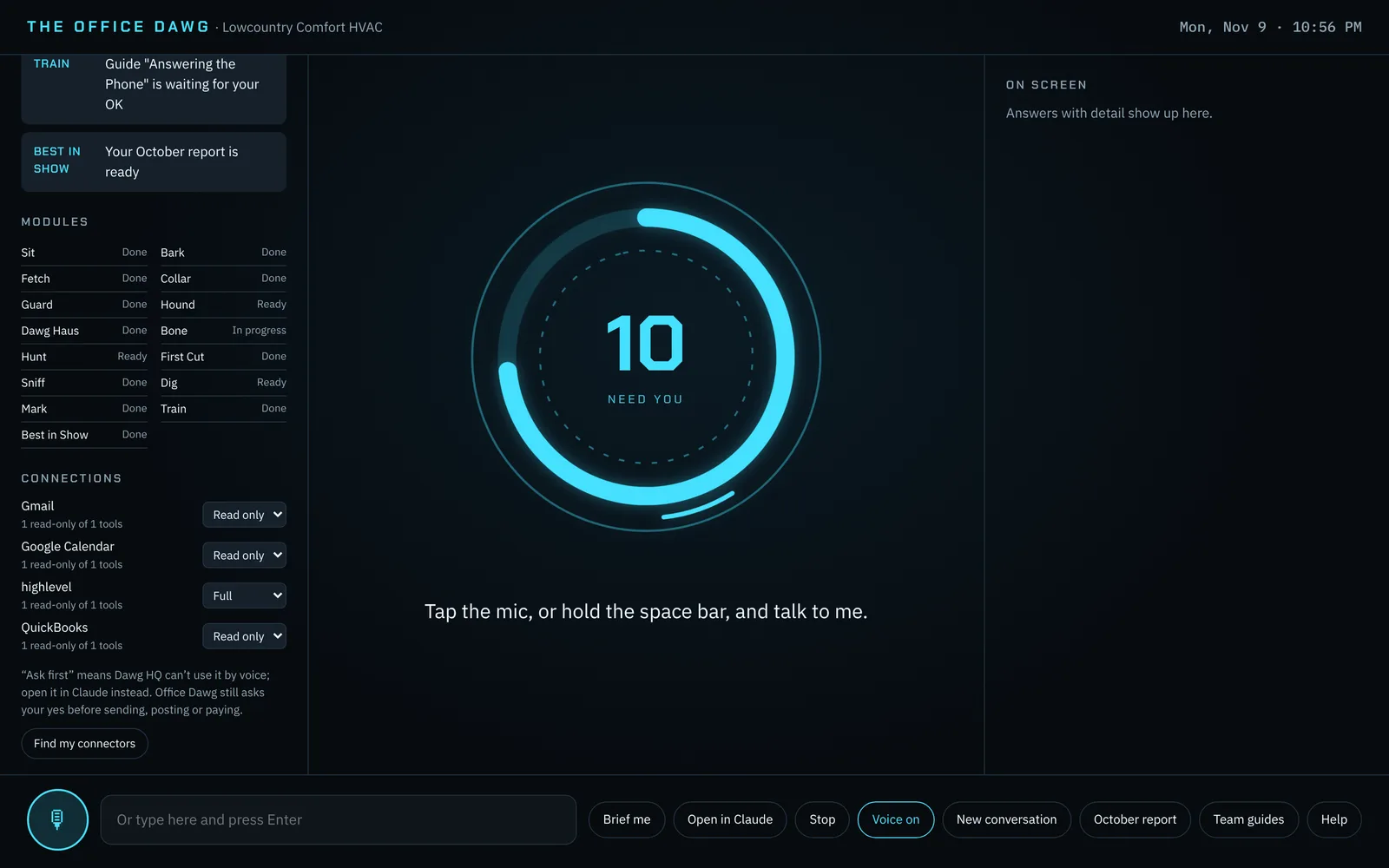
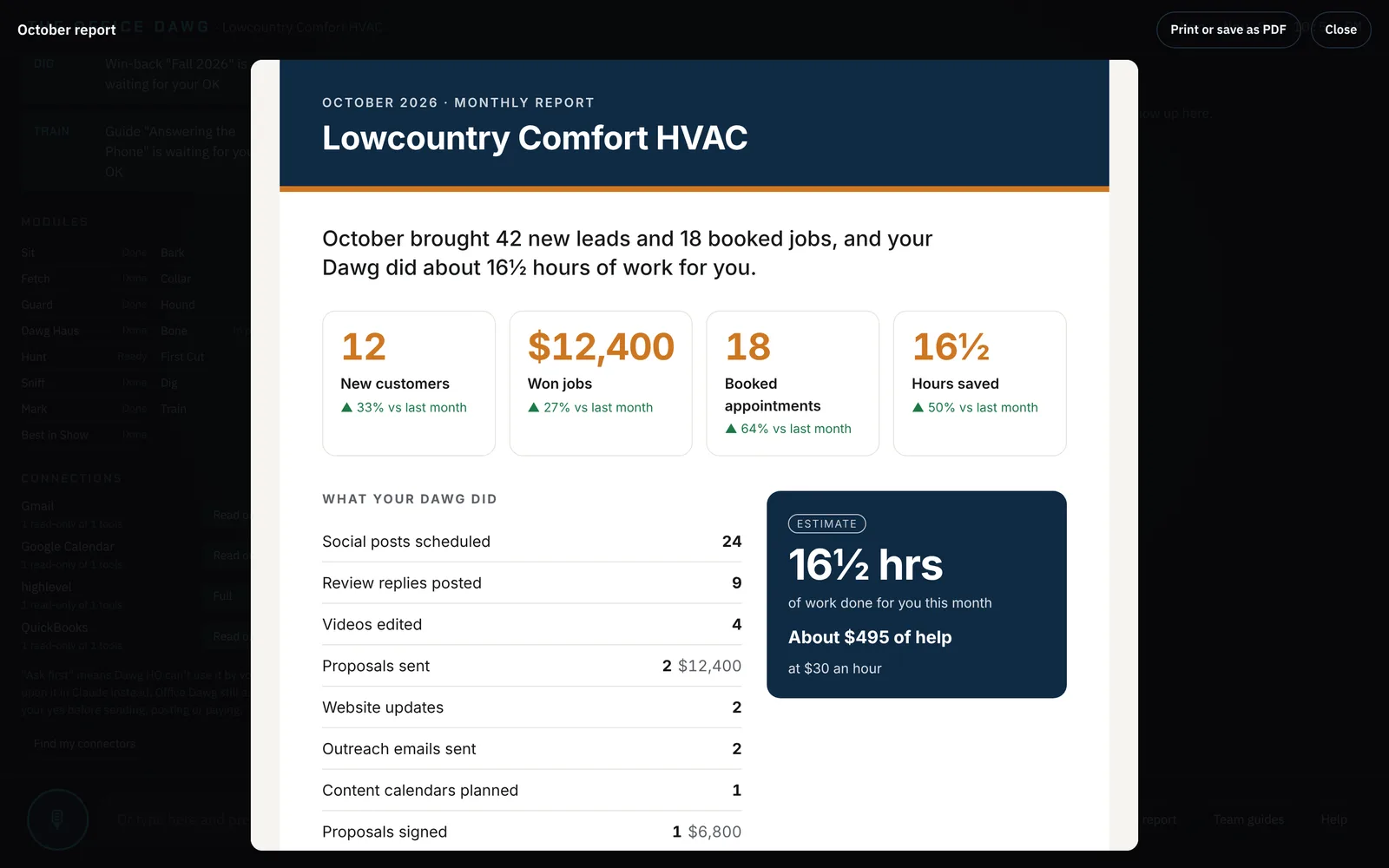
It's the Office Dawg's main screen on the Mac. You tap the mic (or type) and tell it what you need, the way you'd talk to an assistant. It does the work, says a short answer out loud, and shows the details on screen, including anything waiting for your approval. It runs only on your Mac and only listens while the mic is on.
Can I use it from my phone?
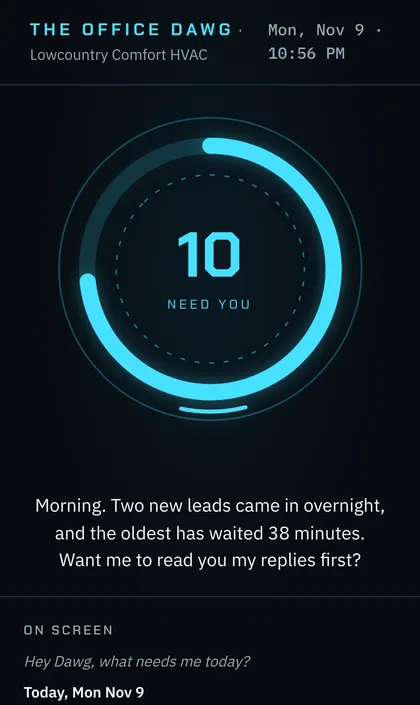
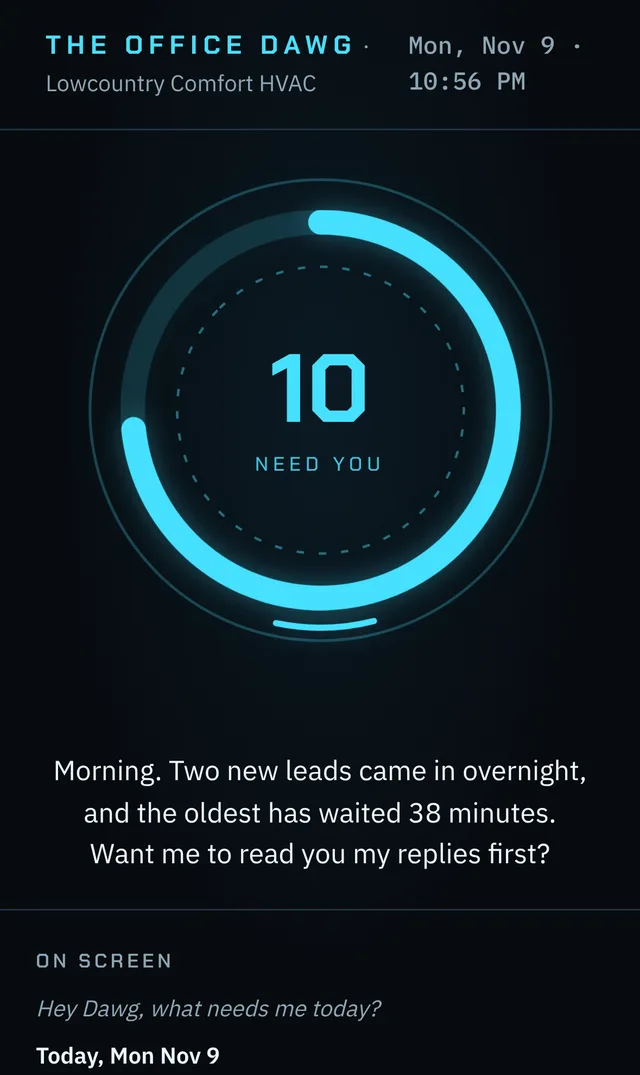
Yes. Open the Claude app on your phone, find the session called Office Dawg, and talk or type as usual. The work runs on your office Mac, so it can do everything Dawg HQ can. You connect it once by scanning a QR code, and the Mac has to stay on (it's set up to). Phone access needs a Claude Pro or Max plan.
What else do I pay for?
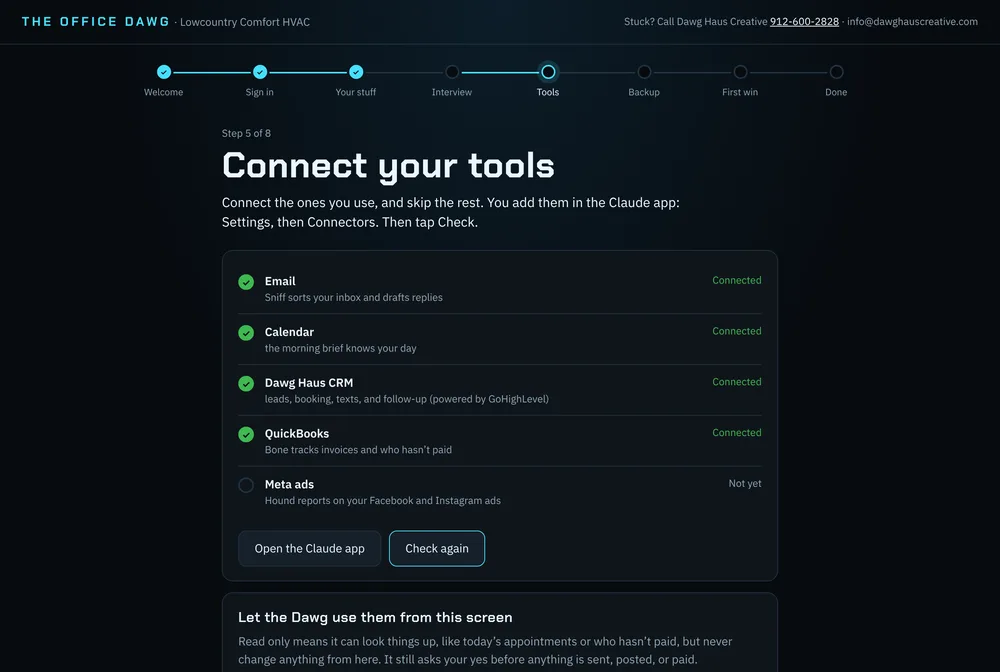
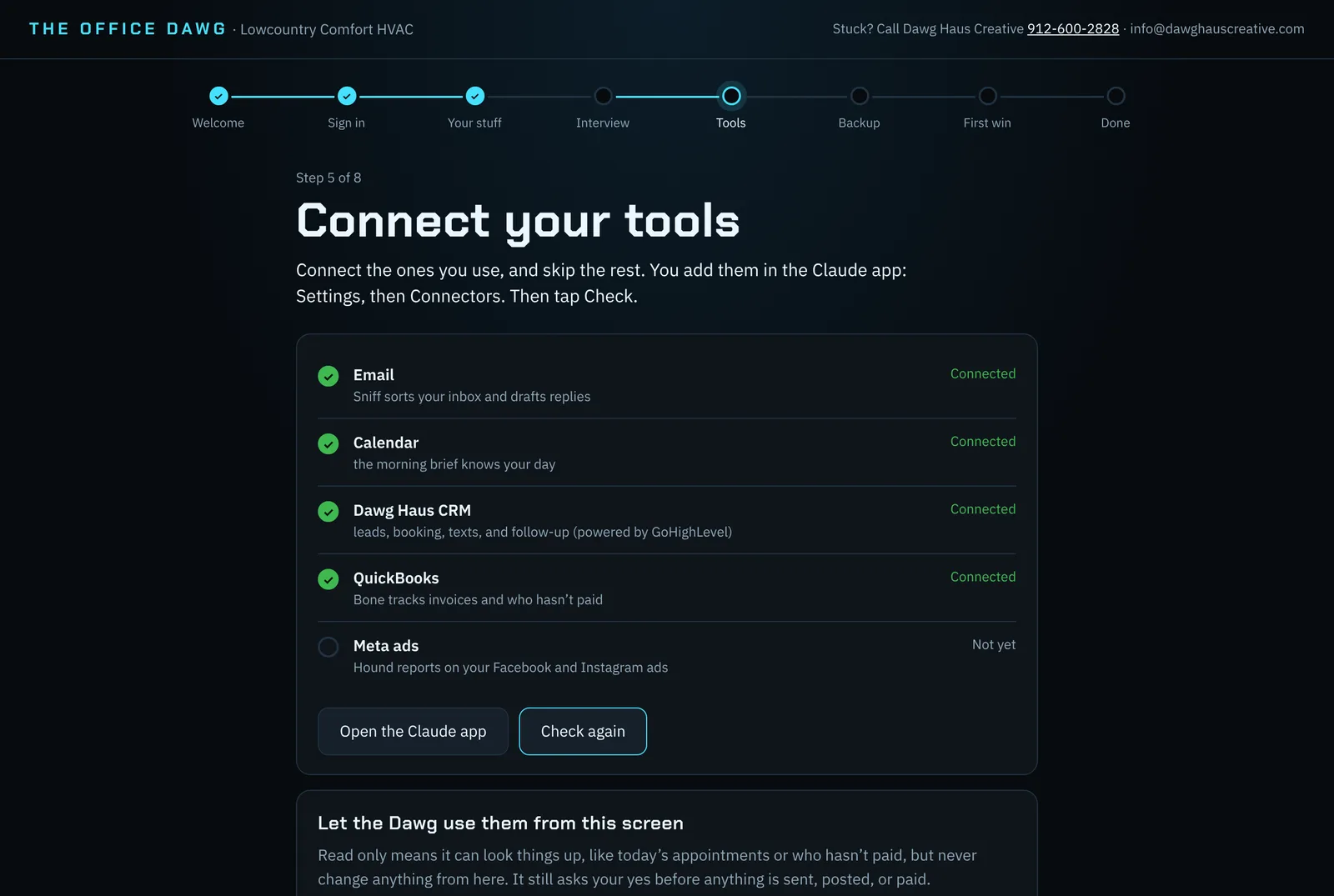
Your own Claude subscription, and any outside tools you choose to use, like QuickBooks or ad spend. The Dawg Haus CRM is included in the $300/month plan that comes with the Mac and Done With You packages; text, call, email and AI usage in it is billed separately, based on what you use. Already have your own HighLevel account? Keep it: the plan is $200/month for updates and tech help, you pay HighLevel directly, and a $250 connect-and-check gets your Dawg connected to it. Custom CRM builds and the Smart Site are add-ons. A 3% card processing fee is added at checkout.
What does the Managed plan include?
Your Dawg knows your business: your voice, offers, prices, customers and reviews. Our creative team uses that to make your marketing each month: 4 short videos, 12 social posts, one ad refresh and replies to every review. It all comes to your phone for a yes, then your Dawg posts it, follows up the leads it brings in, and reports on it. We make the content; ad spend is paid by you, and we don't promise specific sales results.
What do the Done With You sessions cover?
After go-live you get 6 one-on-one online sessions with Dawg Haus, twice a month for 3 months. We use them for business and marketing strategy, and to train you and your team on the Office Dawg so you get the most out of it.
Can I use my own computer?
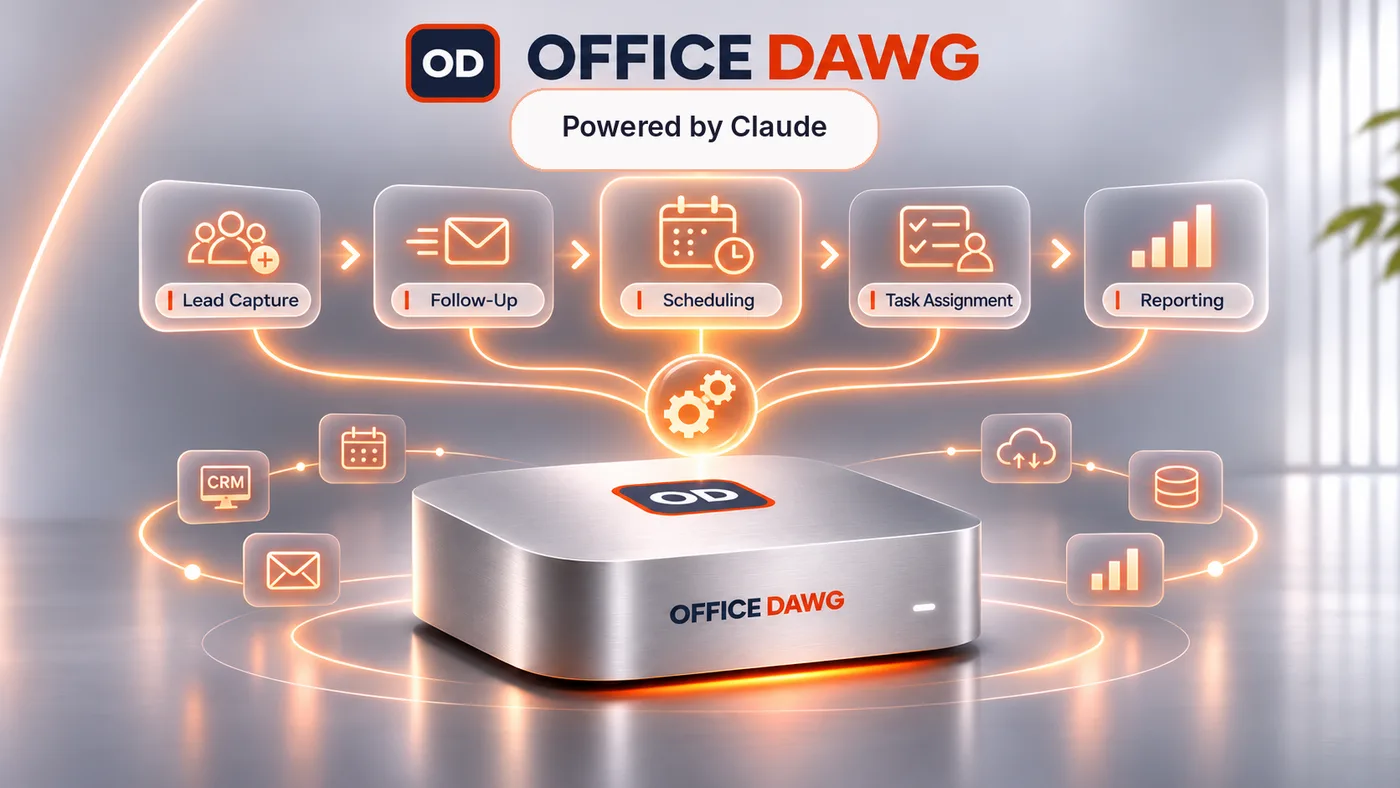
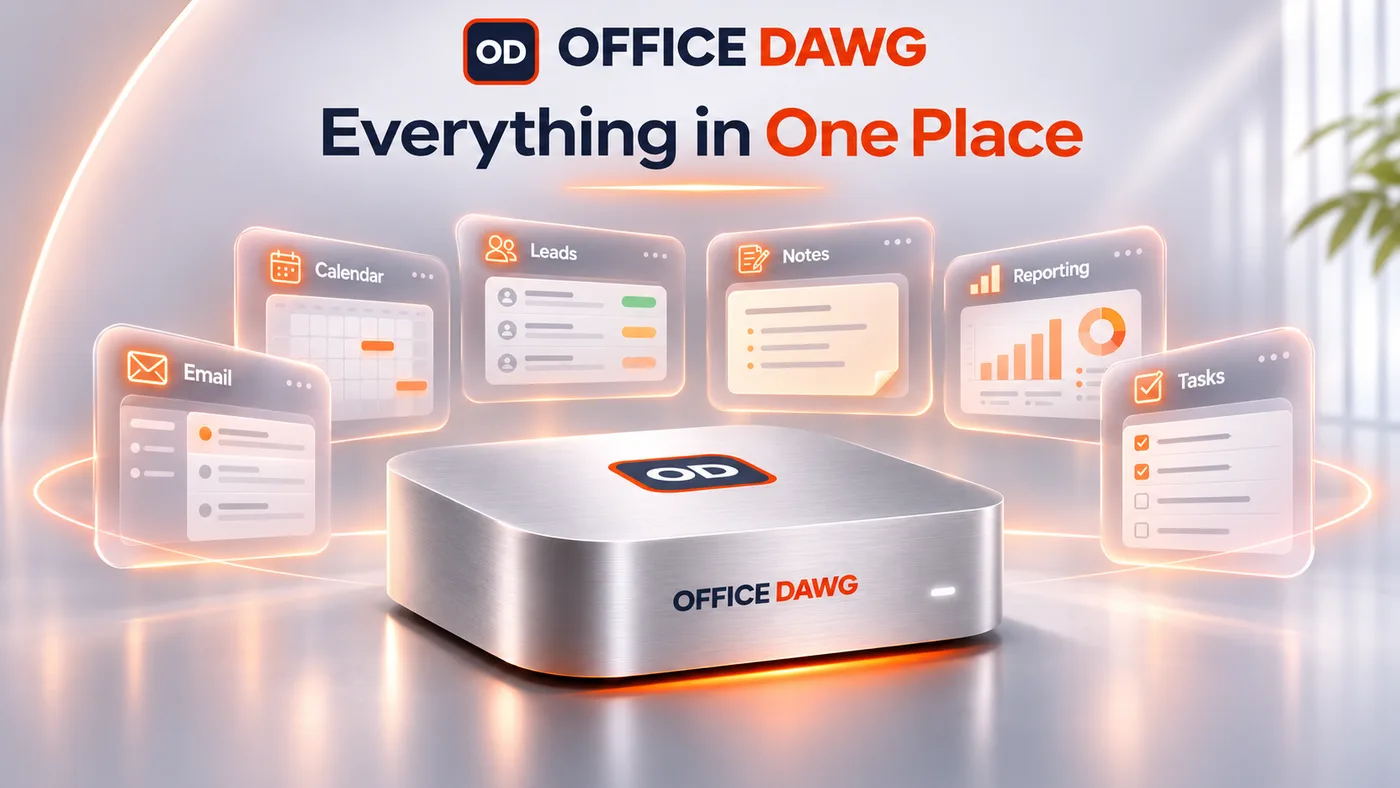
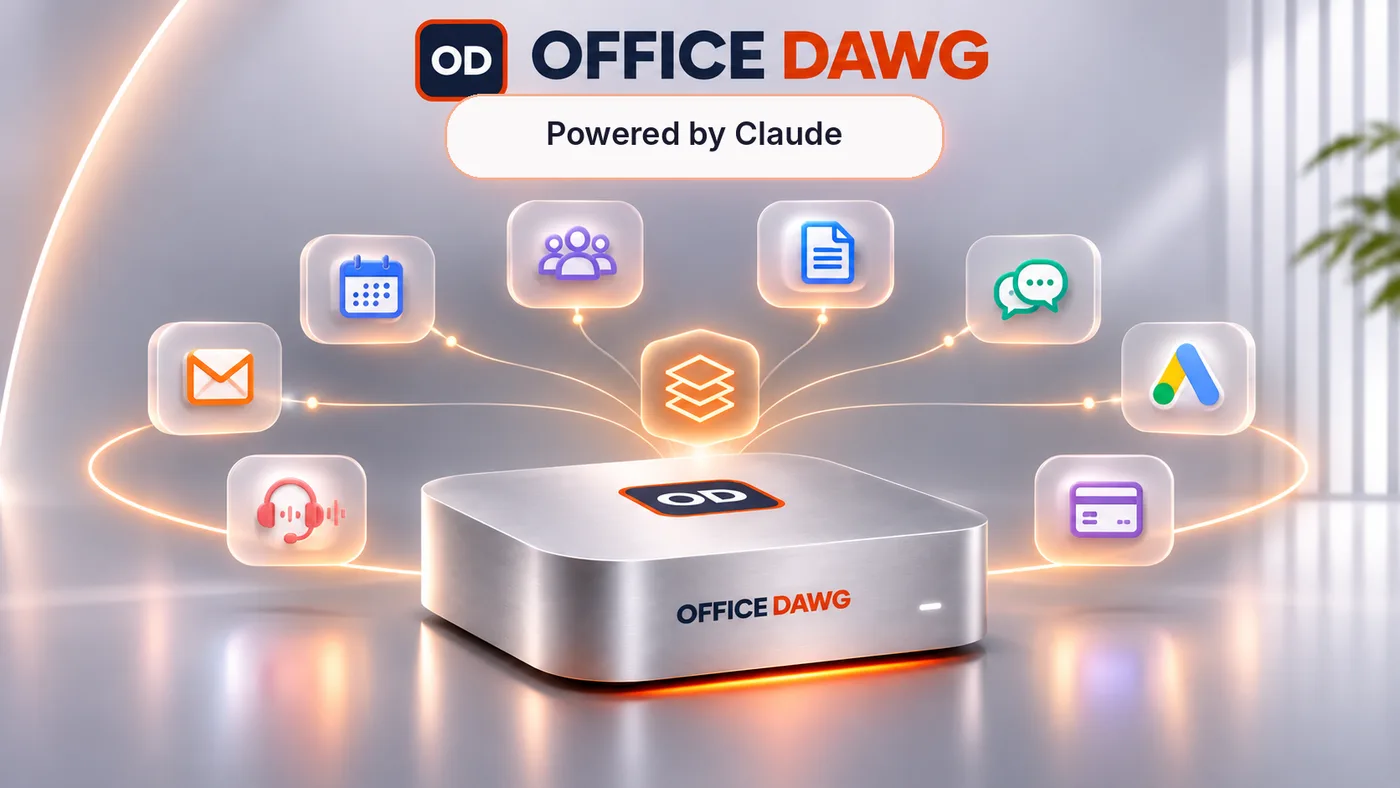
Yes, that's the DIY package. The Mac package is for owners who want their own always-on Mac with everything installed.
What if the power goes out?
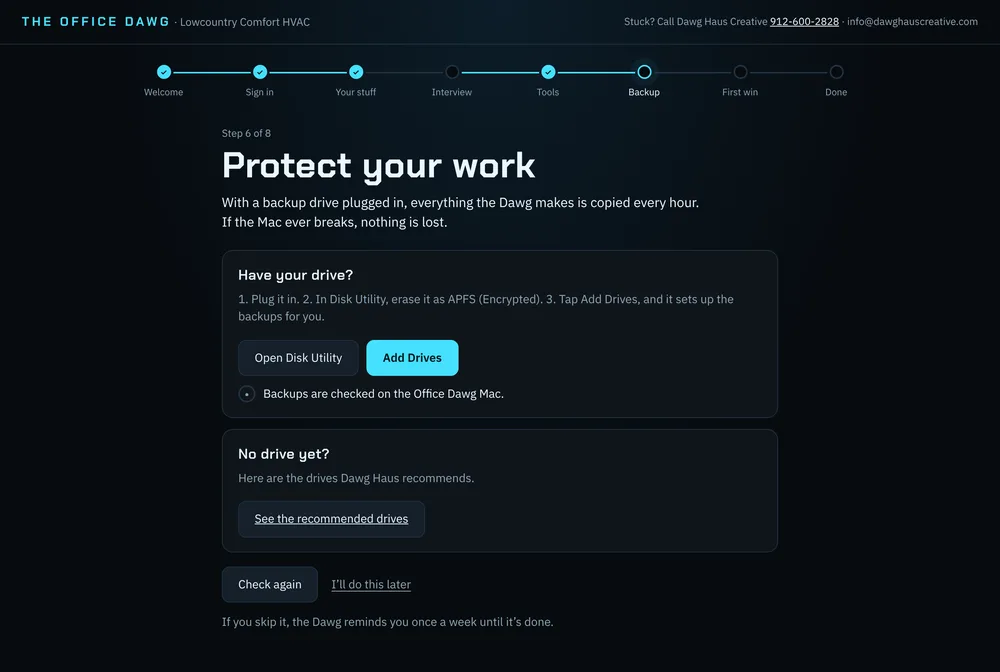
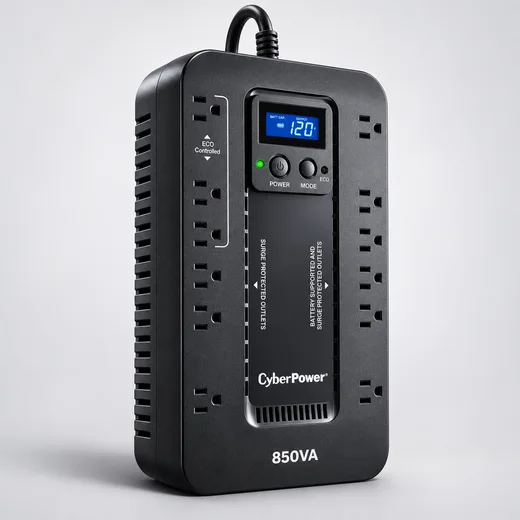
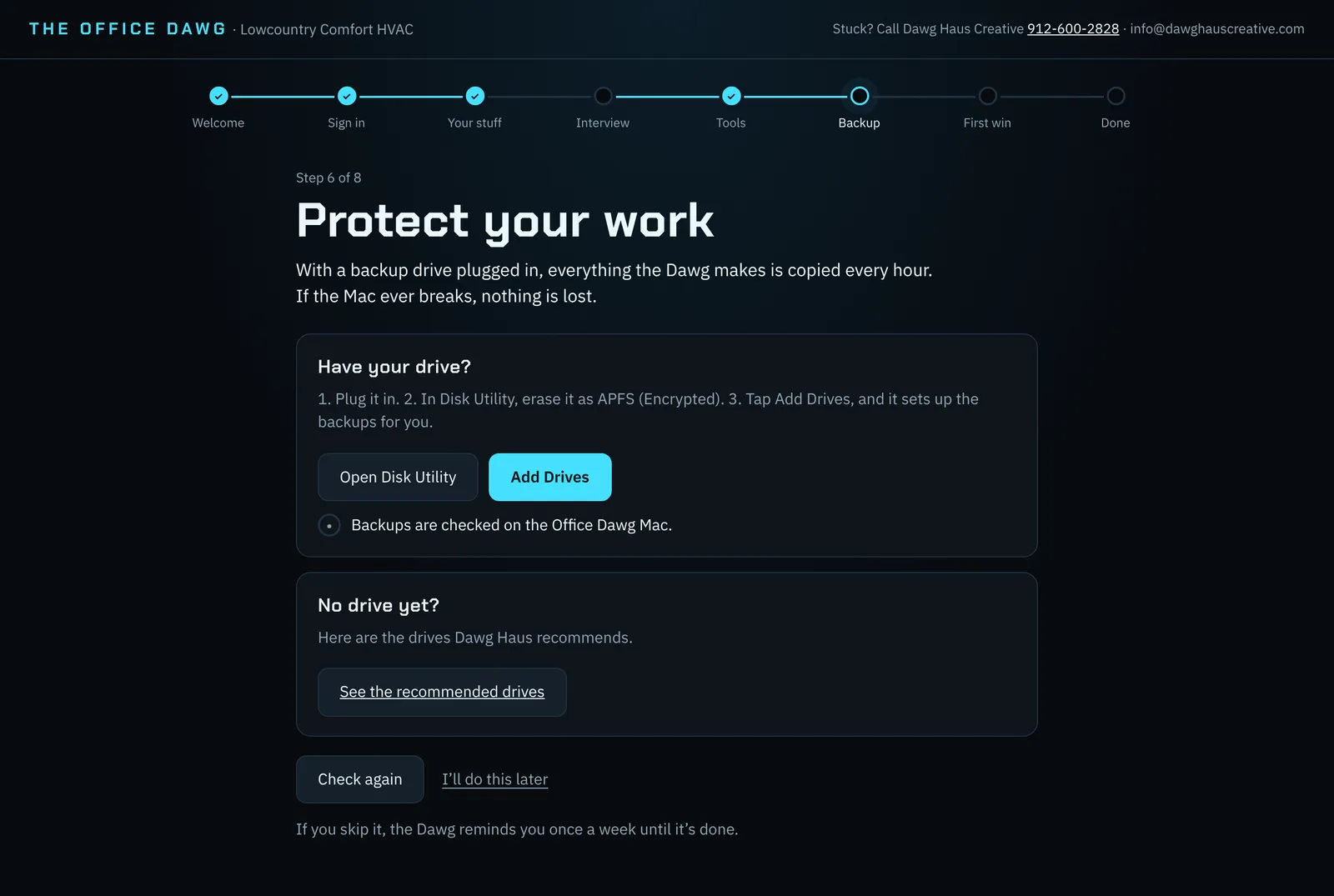
The Mac restarts itself and picks up where it left off.
Is my data safe?
Your business files stay on your Mac. You sign in to your own accounts; Dawg Haus never holds your passwords.
Does it work for my kind of business?
It's built for local service businesses, product brands and creators. It learns your business, prices and voice during setup.
Can it help with brand deals?
Yes. Treat finds sponsorship and brand offers in your inbox (paste in any that came by DM), prices them from your own rate card, flags scams, and drafts a counter in your voice. It explains contracts in plain English and lists questions to ask, but it isn't legal advice, and it never accepts, signs or sends anything for you.
I already have a website. Do I need a new one?
No. The Office Dawg can update most existing sites. The Smart Site add-on is for owners who want a site they change just by talking.
Will this get me on page one of Google?
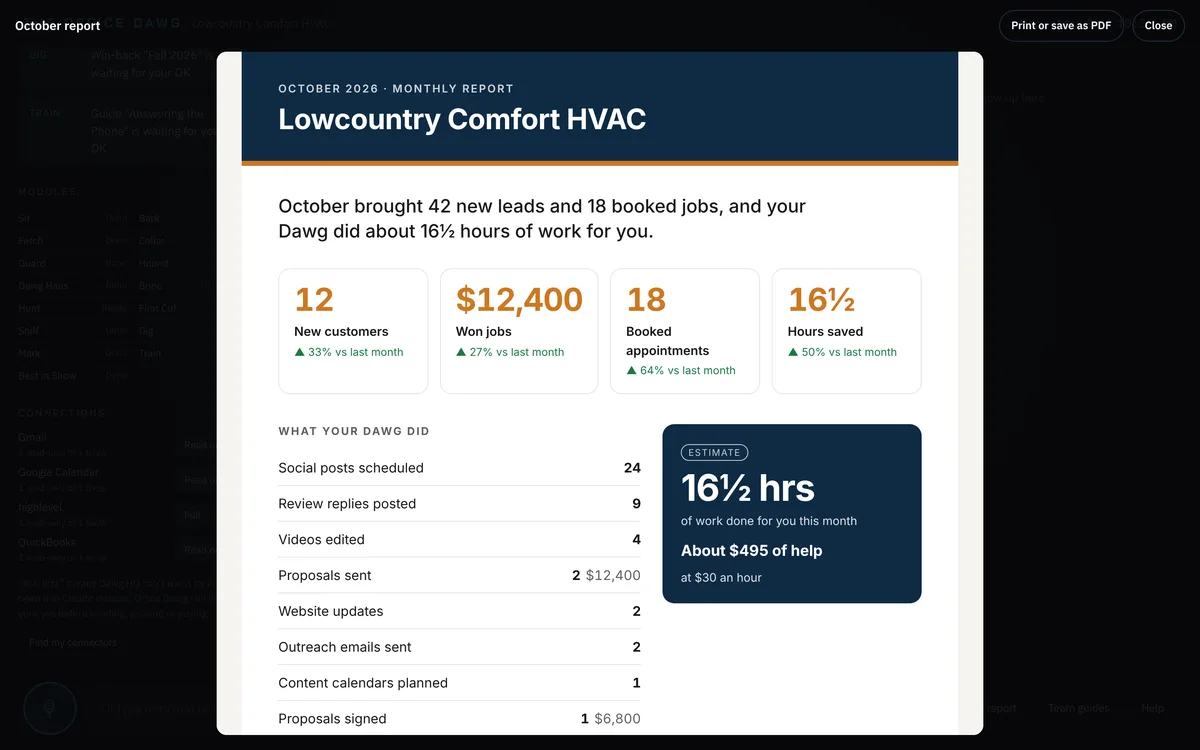
Nobody can honestly promise that. Scent does the work that moves you in the right direction every month (fixing your site, publishing helpful pages, and tracking what changes), and you see the results in your monthly report.
I edit in Premiere Pro or DaVinci Resolve. Does it work with them?
Yes. The connection is already on the Mac, and it switches on when you install Premiere Pro or DaVinci Resolve Studio (the paid version). These connections are community tools that Dawg Haus tests, not products of Adobe or Blackmagic. Premiere Pro needs a Creative Cloud subscription.
What if I want to stop?
Monthly plans cancel anytime. The Office Dawg Mac comes with a 30-day return policy. All other sales are final.
How do I reach support?
Call 912-600-2828 or email info@dawghauscreative.com. On the Mac, the Help library on Dawg HQ answers most "how do I…" questions on the spot.